Moving
Sequencing and movement: give an order, take the long way, then stop counting steps and let the code find the path.
The hero only moves when the code is right. Students write real JavaScript across 32 lessons and roughly 190 puzzles, and every mistake is visible on screen the moment they run it.
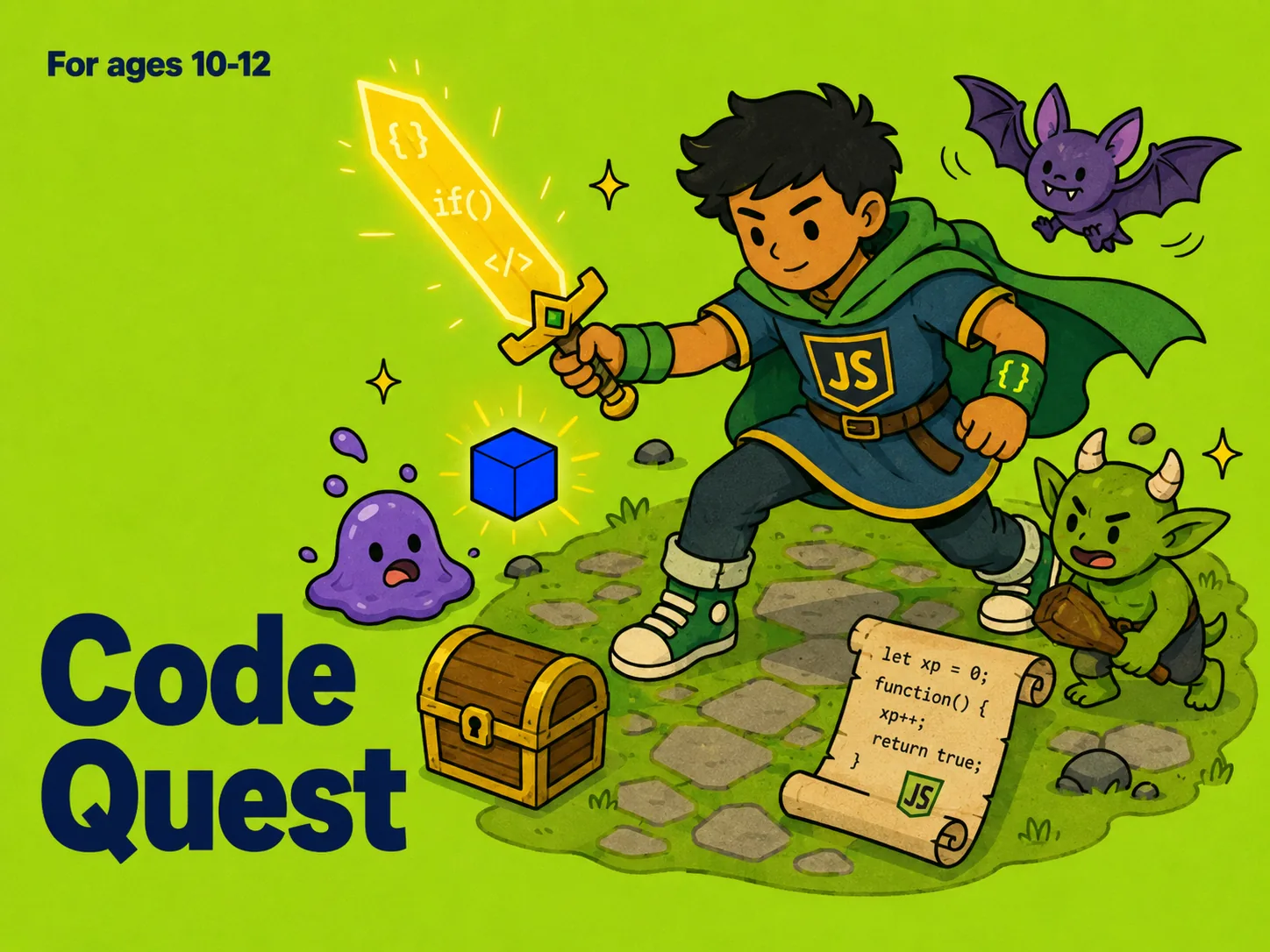
Code Quest teaches real JavaScript to ages 10–12 — no blocks, no drag-and-drop. Students type code into an editor to move a hero through a dungeon, and the hero only moves when the code is correct. Across 32 lessons and roughly 190 auto-graded puzzles they build from a single movement command to loops, conditionals, functions and decomposition, finishing with three boss lessons where everything has to work at once. The dungeon supplies the motivation; the JavaScript is the same language professional developers write.
Sequencing and movement: give an order, take the long way, then stop counting steps and let the code find the path.
Variables, arithmetic, booleans and conditionals — the hero starts making decisions instead of following a script.
Loops, then functions and decomposition, then three boss lessons where everything has to work at once.
The first lessons: one command moves the hero one step. Students learn that a program is an ordered list of instructions and that order is not negotiable.
Counting every step gets tedious, so the hero learns to move to a destination. Then combat arrives and actions get consequences.
Values get names. Students store, reuse and update them, and discover why a well-named variable makes a program readable.
Arithmetic, then text. Students calculate, combine and count — and hit their second debugging lesson when the vault total comes out wrong.
The biggest leap in the course: the hero starts making decisions. Booleans, comparisons, if, else, and choosing between several paths.
While loops, then for loops, then loops combined with conditionals — the point where students can express ideas that would take hundreds of lines otherwise.
Students write their own moves, pass inputs to them, and break a large problem into named pieces — assembling a personal toolkit of functions.
Three final lessons where everything has to hold together at once — waves, escorts and the deepest room in the dungeon.
The last boss lesson. Students face waves and escorts in the deepest room, solving it with the loops, conditionals and functions they wrote themselves across the previous 31 lessons.
Many courses for this age use coloured blocks. Code Quest uses JavaScript typed into an editor — the same language that runs the web — so nothing has to be unlearned later.
When the code is wrong the hero simply does not move. Debugging becomes a normal part of the work rather than a failure, and three lessons are dedicated to it explicitly.
Every puzzle is graded automatically and the order is locked, so a student cannot skip ahead. Progress on the map is progress that actually happened.
Code Quest ends where Python Max begins. Your child arrives at the next program already knowing what a loop, a function and a variable are for.
Clear the Hall
The Miscounted Vault
Your own reusable toolkit of functions
Heart of the Dungeon boss run
32 lessons, about 6 puzzles each
Every puzzle auto-graded on the spot
Locked order — no skipping ahead
Not when the result is visible. Lesson one is a single line of code that makes the hero take one step; the difficulty climbs one idea at a time across 32 lessons.
The dungeon is the motivation; the code is real JavaScript typed into an editor. Nothing is dragged, and nothing is pretend.
Book a focused consultation and map your child's age, interests, and goals to the right Numeris program.